Exception summary
12Unmatched invoices18Open items7Potential duplicates5Ready to match
Start exception review →A friendly way to see what does not match yet: unpaid invoices, open credits, possible duplicates, missing receipts, bank-feed questions and AP/AR follow-up items.
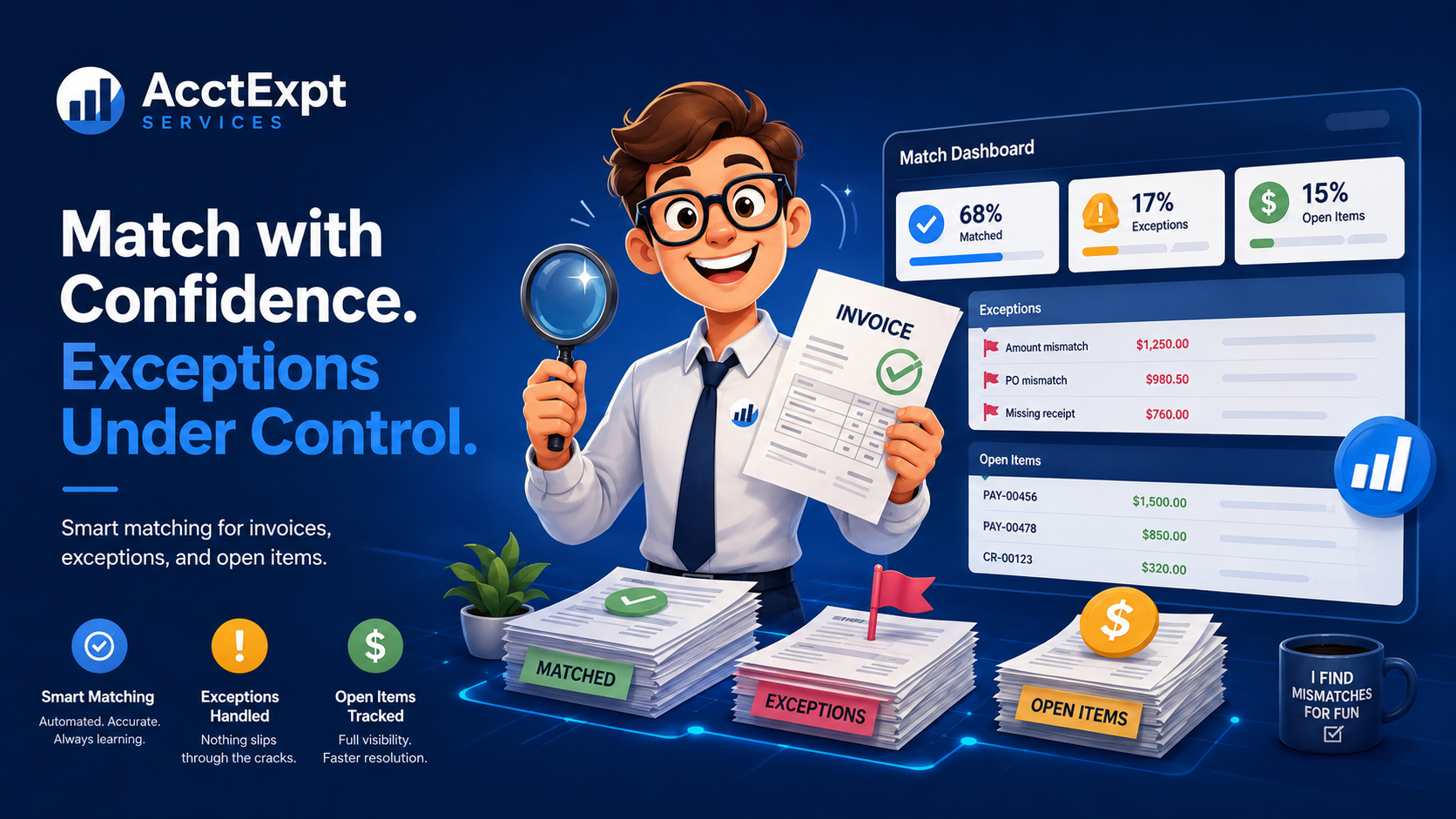
The page summarizes exception counts, unmatched invoices, open items, recommended actions, progress and client notes. It is a visual guide — final accounting decisions stay with the client, bookkeeper, accountant or authorized professional.
Invoices that need a matching payment, credit, proof, or client question.
Payments, credits, bank-feed items or receipts that still need an action.
68% matched — the remaining items are grouped into follow-up questions and exception lists.
Open Client Hub →
Clients do not need to read a confusing spreadsheet first. They see the problem items, next actions and missing information in plain language.
Start with a short intake. We will review the scope and ask for the records needed to prepare the matching summary.